 Layered
 Try it on Wedding dress try-on
Try on a wedding dress from your sofa
Upload a full-length photo, pick a silhouette, and see the shape on you before the first boutique appointment.

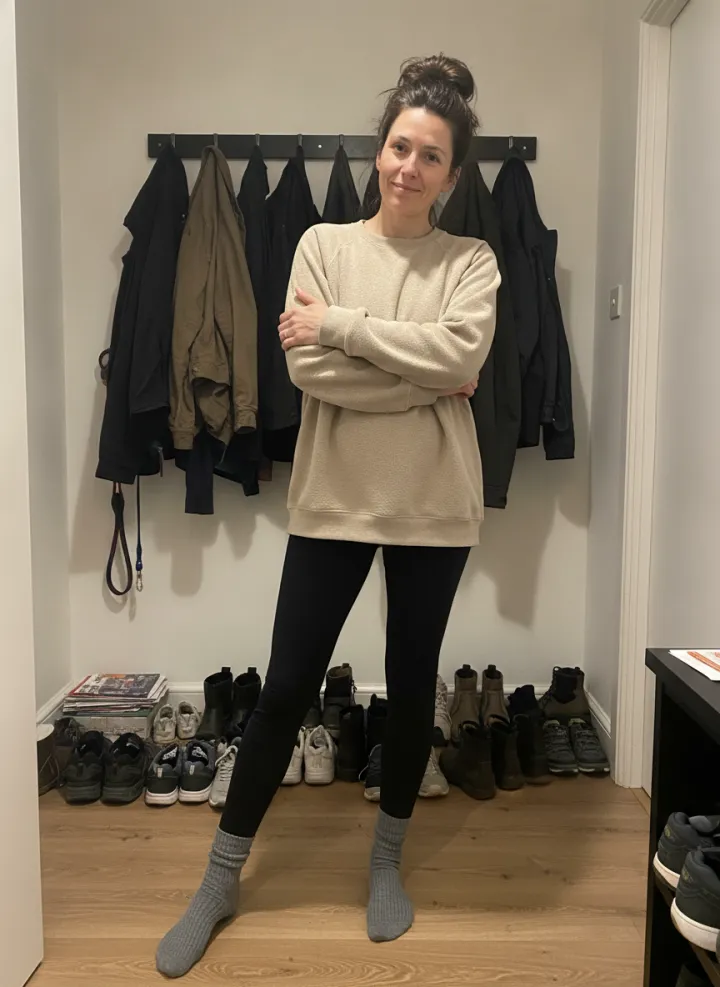 Before
After
You have used your free try
Now try outfits from your own closet
Layered turns your photos into a digital closet, packs a capsule for the trip from clothes you already own, and has virtual try-on for the looks you are not sure about.


 AppleApp of the Day
- App StoreBest New Apps
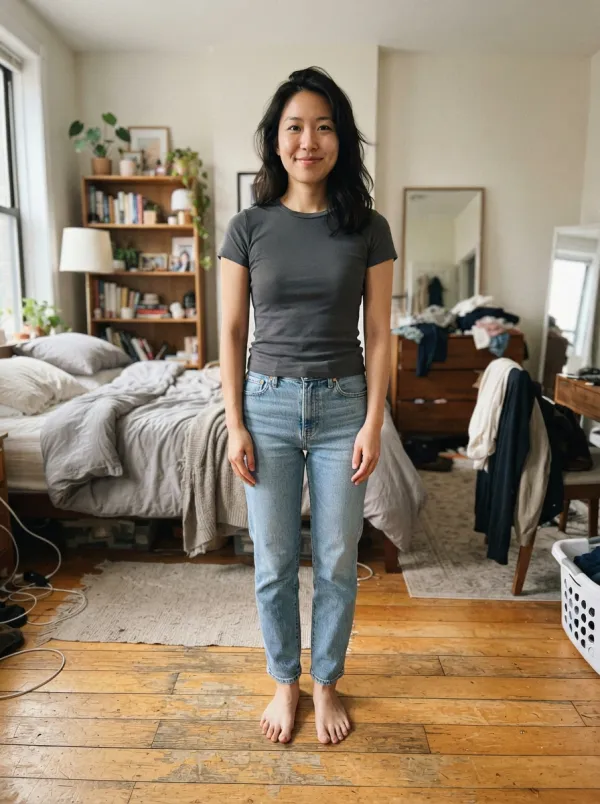

No photo to hand? See it on a body like yours
Pick a body type and a silhouette. These are previews made with this tool.
Body type
Silhouette
Find the dress first
Browse a designer or a shop, screenshot the dress you like, then add it under Your own.
Links open the brand's own site. Layered is not affiliated with these brands.
Know your silhouette before you book
A boutique appointment is short and there are a lot of dresses. Seeing one shape on your own body first tells you where to start.
How it works
Choose a full-length photo, pick a silhouette and wait a few seconds. The picture that comes back is you, in the same place, wearing the dress.
Questions
Which photo works best?
A full-length photo where you stand facing the camera in fitted clothes. Loose coats hide your shape and blur the result.
Can I try a specific dress?
Yes. Choose Your own and add a photo of the dress. A front-on photo from the shop's website works best.
How close is it to the real thing?
It is a preview. Shape, length and color come through well. Fabric, fit and movement need the real thing.
What happens to my photo?
Your photo goes to our AI image provider, which runs Google's Gemini model, makes the new image and sends it back to your browser. Layered does not store the photo or the result. The provider handles it under its own API terms.
More from your closet
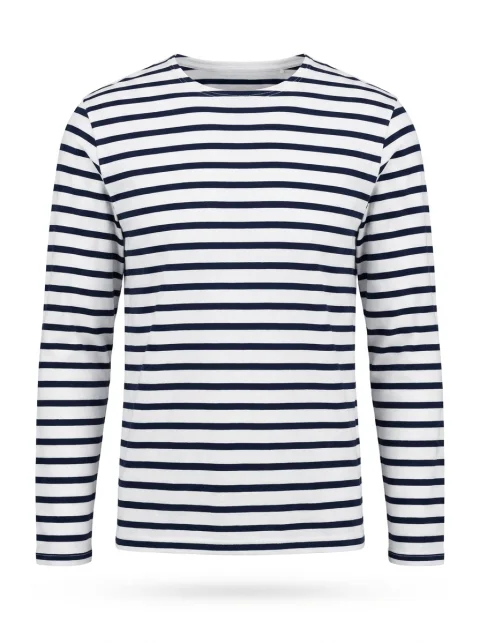 Outfit ideasA daily look from clothes you already own.
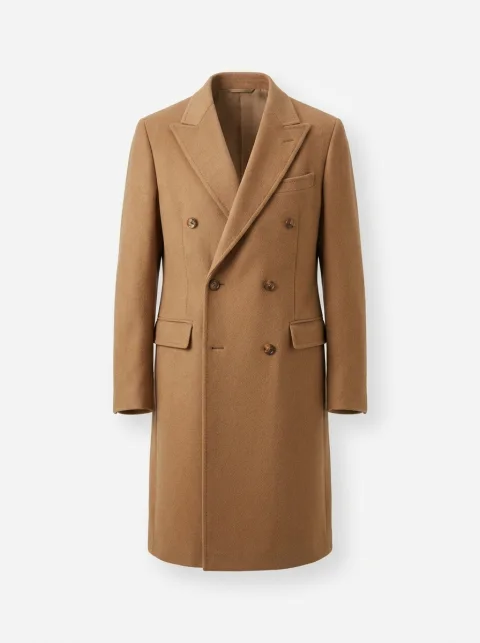 AI stylistAsk what to wear and get a full outfit.
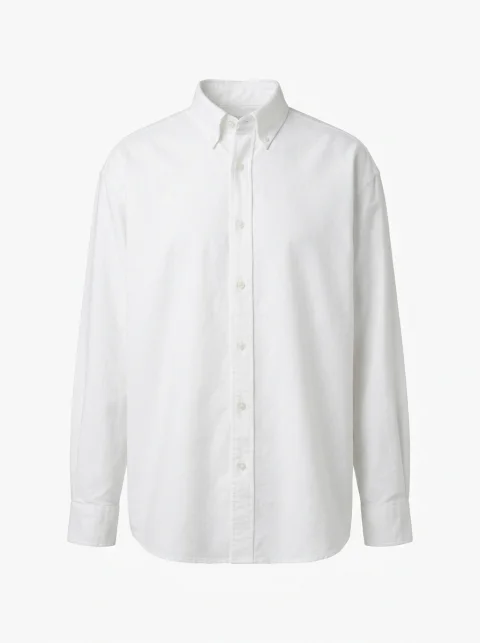 Capsule wardrobePlan a capsule for a trip or a season.
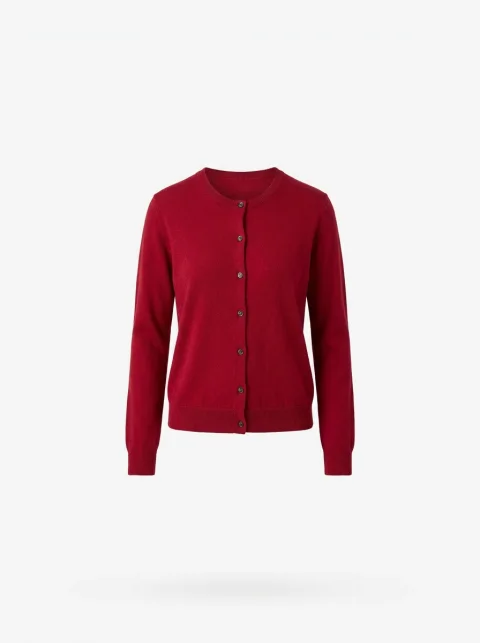 Cost per wearSee which clothes pay for themselves.
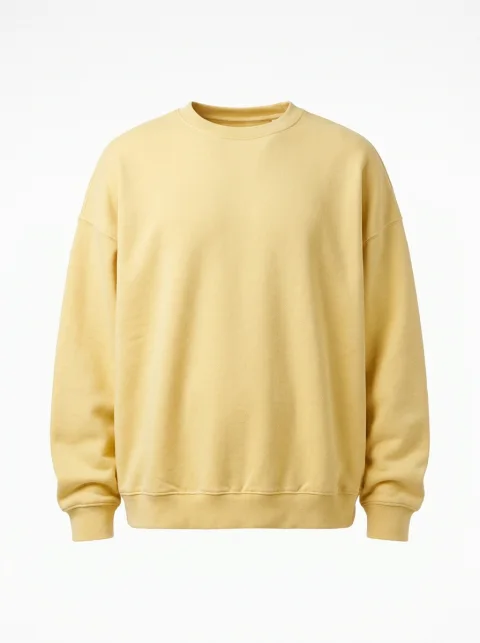 DeclutterDecide what to keep, donate or sell.
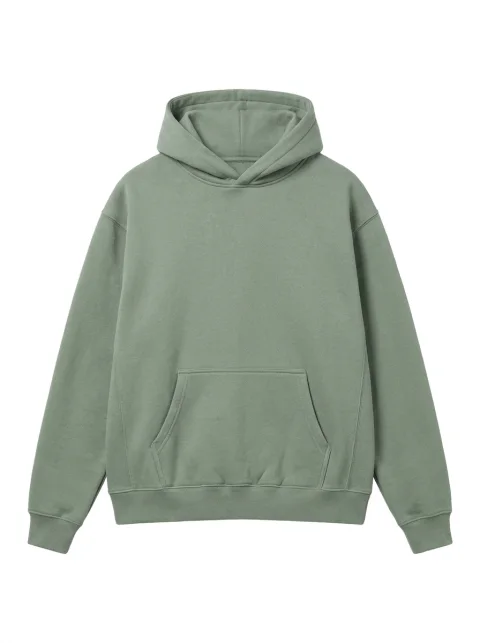 Color analysisFind your color season and what matches.
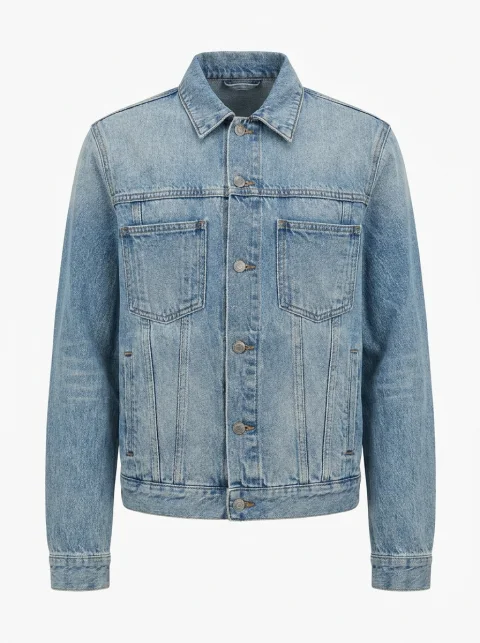 Digital closetImport your wardrobe from photos you have.
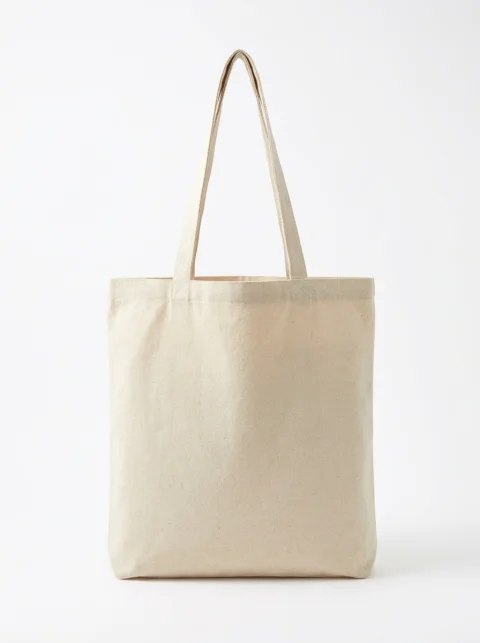 Trip packingWork out how many outfits a few pieces make.
 Wide-leg jeansWhat to wear with wide-leg jeans.
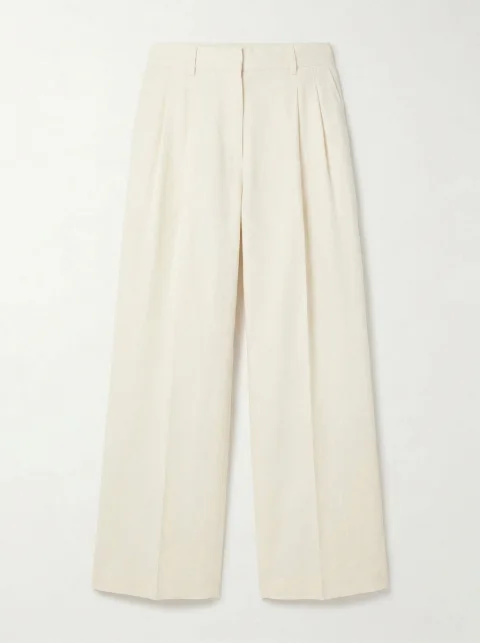
Linen pantsWhat to wear with linen pants.
Try it on




Real outfits from the clothes you already own
Layered is on the App Store, for iPhone.
- AppleApp of the Day
- App StoreBest New Apps